Configure the resolver safely
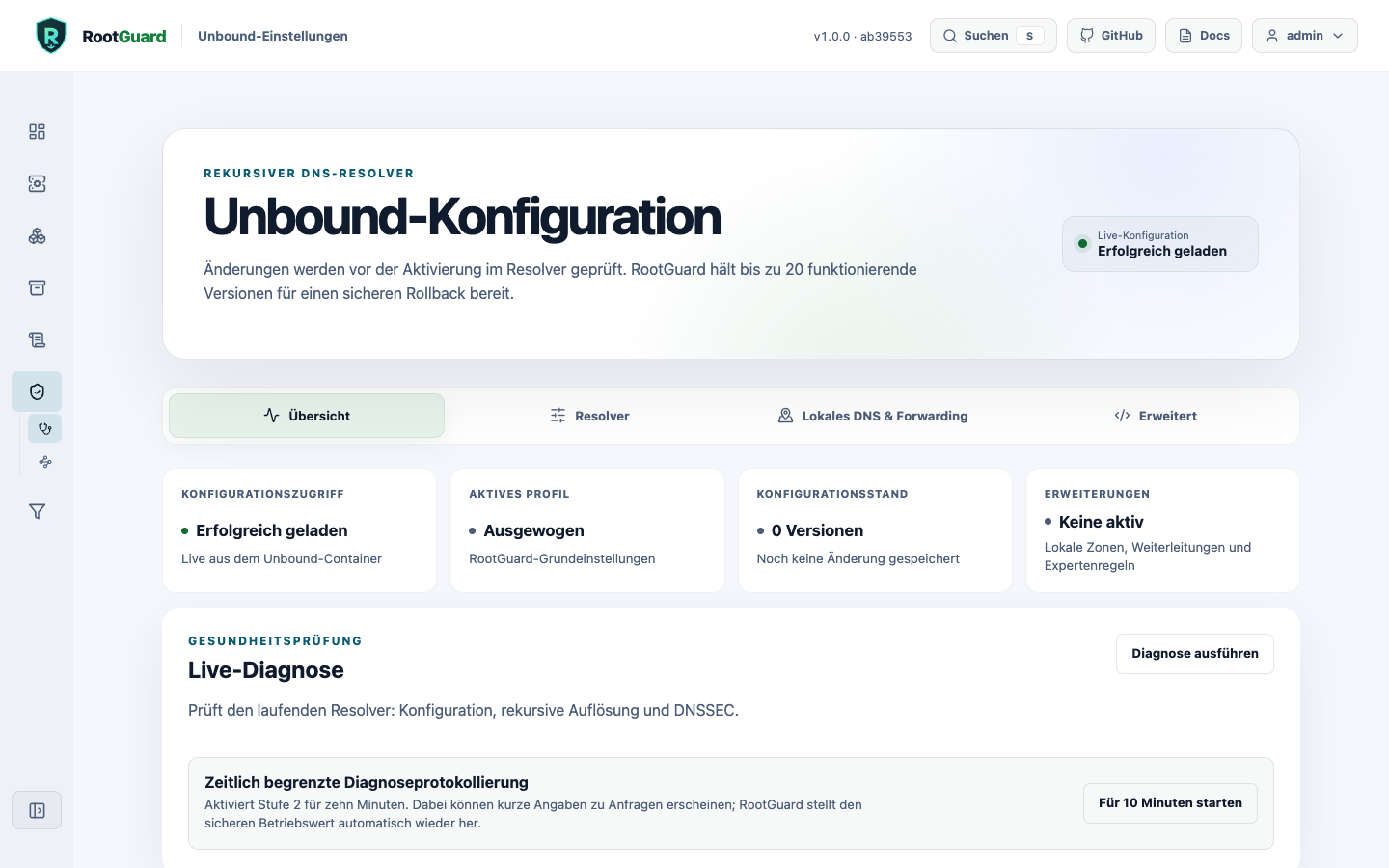
Profiles and settings
Balanced, Privacy, Resilience, and Performance only load a draft. QNAME minimization, prefetch, serve-expired, cache TTLs, and threads are explained and previewed before activation.
IPv4 and IPv6
IPv4 is the compatible default. Dual stack and IPv6-only unlock only when the running Unbound container reaches an authoritative root server over IPv6. Core repeats this check during activation. Client access rules intentionally remain in AdGuard Home because network devices do not query Unbound directly.
Local zones
The guided assistant creates A, AAAA, and CNAME records without manual Unbound syntax. It can derive matching PTR records for unambiguous A/AAAA addresses. It detects concurrent changes and uses the same checkconf, versioning, and rollback pipeline.
Worked example
A complete, worked-through zone (home.lan with A, AAAA, and derived PTR records) is in Local DNS zones.
Import devices from your FRITZ!Box
Finds hosts via your FRITZ!Box (TR-064) or bounded reverse-DNS lookups across selected private IPv4 or unicast IPv6 networks (max. 256 addresses per prefix and in total). FRITZ!Box credentials are only needed if TR-064 requests require a login, are used for that one lookup only, and are never stored. Discovered devices are individually selected and renameable before adoption - nothing is imported automatically. Adopted hosts go through the same preview, checkconf, and activation pipeline as guided local zones.
Worked example
Step-by-step walkthrough in Importing devices from your FRITZ!Box, including the router-independent reverse-DNS alternative.
Private domains and reverse DNS
Private domains are managed as a validated list. For 10/8, 172.16/12, and 192.168/16 you independently choose between safe NXDOMAIN and transparent public fallback. NXDOMAIN is the default; RootGuard shows a clear warning before a private reverse lookup can leave the network.
Worked example
A worked-through example is in Private domains and reverse DNS.
Conditional forwarding
Multiple internal zones can be forwarded to ordered IPv4 and IPv6 DNS servers. RootGuard normalizes zone names and addresses, blocks loops, and unlocks activation only when every target confirms the configured zone with NOERROR and an SOA record. Recursive fallback, unsigned private zones, and private RFC1918 answers have separate, clearly explained opt-ins; DNSSEC and rebinding protection otherwise remain active.
Worked example
A worked-through forwarding example is in Conditional forwarding.
Expert mode and live configuration
The editor only owns 90-rootguard-custom.conf and blocks dangerous includes, listeners, remote control, and DNSSEC bypasses. The live view reads the actually active files from the container in read-only mode.
Export and transfer configuration
The complete resolver configuration (guided settings and the expert configuration together) can be downloaded as one file and re-uploaded on another RootGuard instance - for backups or migrating a configuration. The import goes through the same preview and checkconf verification as any other activation.
Adopt an existing unbound.conf
An existing, hand-written unbound.conf can be pasted or uploaded. RootGuard classifies each directive against its own ownership model (guided, fixed base, expert, or blocked) and offers directives with no guided mapping yet, such as forward-zone or local-zone, whole for expert adoption instead of silently dropping them - the same outcome as pasting them into expert mode by hand.