STACK CPU0,3 %
Min 0,1 %Max 0,6 %
 RootGuard
DNS protection for your entire home
RootGuard centrally protects every device on your network from ads and known trackers. One clear web interface brings AdGuard Home and Unbound together in Docker—without installing an extension on every phone, TV, or computer.
RootGuard
Dashboard
AdGuard Home filters while Unbound resolves recursively with DNSSEC.
Configure Unbound →Why RootGuard
Fully open source. Every line of code can be inspected and audited.
No cloud service, no telemetry. Your DNS queries never leave your network.
Every release is verified via Cosign against real GitHub build provenance before activation.
Unbound cryptographically validates every answer and rejects tampered signatures.
Quick Start · Ein Befehl
One computer on your home network is enough. The install script checks for Docker and installs it if needed (Debian/Ubuntu), downloads the ready-made release, generates both security keys automatically, and only asks for a WebGUI username and password.
curl -fsSL https://raw.githubusercontent.com/foxly-it/rootguard/main/install.sh | bashLive preview
The installer prints real status messages - this is a faithful example session, not a polished marketing transcript. If Docker is already installed, that step is simply skipped.
$ curl -fsSL https://raw.githubusercontent.com/foxly-it/rootguard/main/install.sh | bash

>> Docker wurde nicht gefunden - Installation über Foxly dockerinstall wird gestartet.
>> Docker wurde installiert.

>> Ermittle die aktuelle RootGuard-Version…
>> Aktuelle Version: v1.0.9

Benutzername für die RootGuard-WebGUI [admin]: admin
Passwort für die RootGuard-WebGUI (leer = zufällig generieren):

>> Starte den RootGuard-Stack…

>> Fertig! Öffne http://localhost:8080/login
>> Benutzername: admin
>> Generiertes Passwort (jetzt notieren, wird nicht erneut angezeigt): a41f0c9e7b2d8461
Live from the interface
Real screenshots of a running RootGuard 1.0 installation - no mockups.
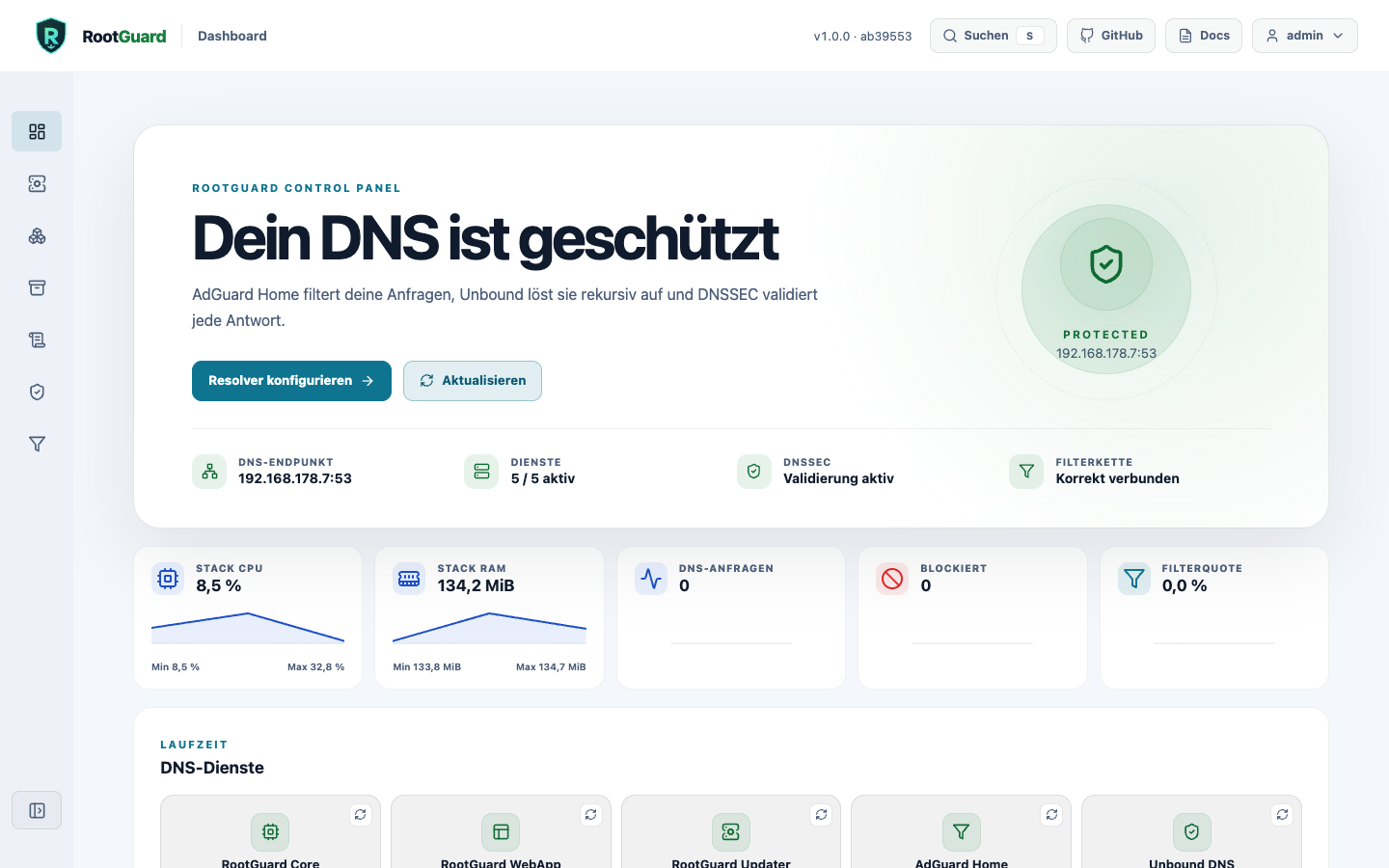
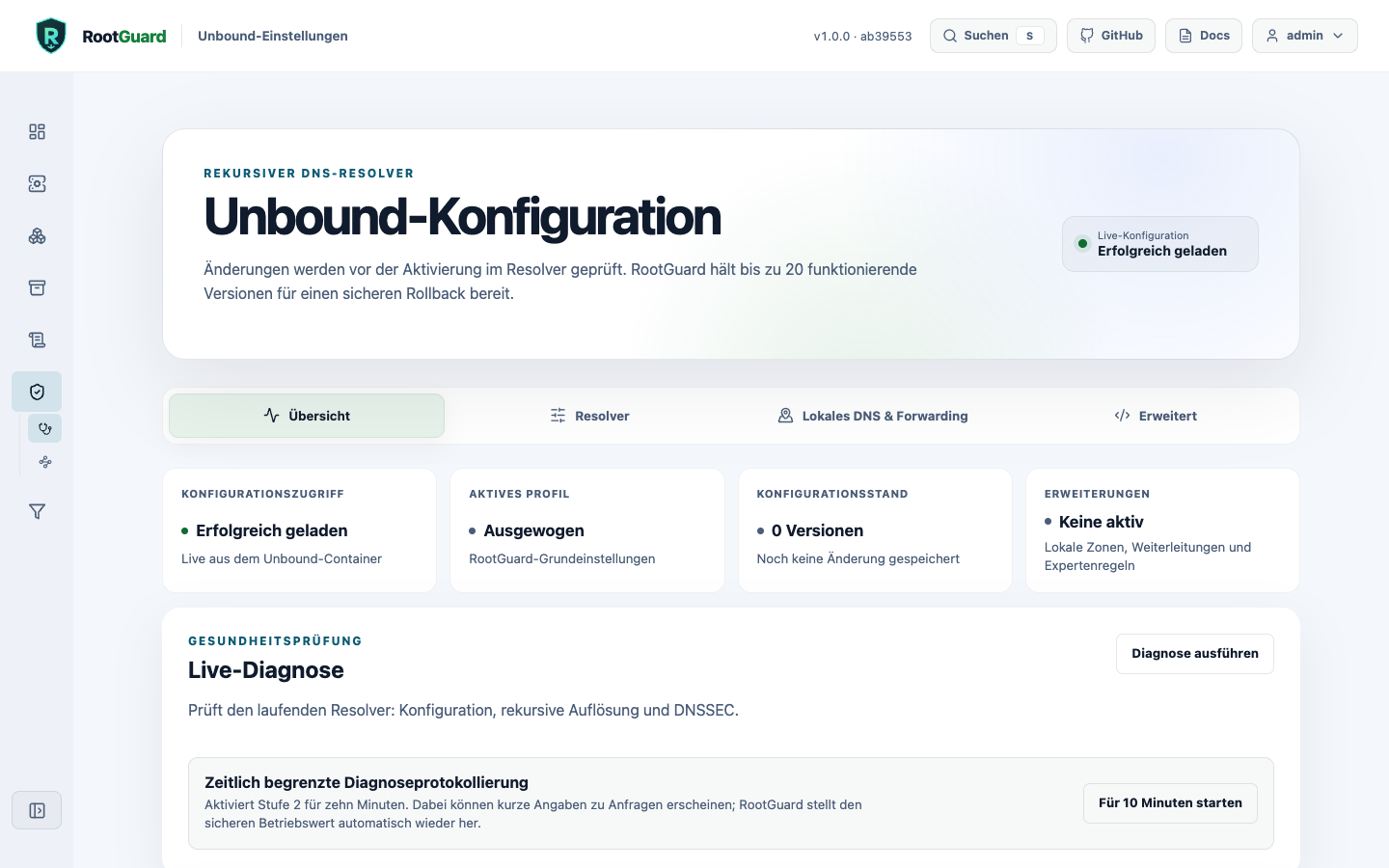
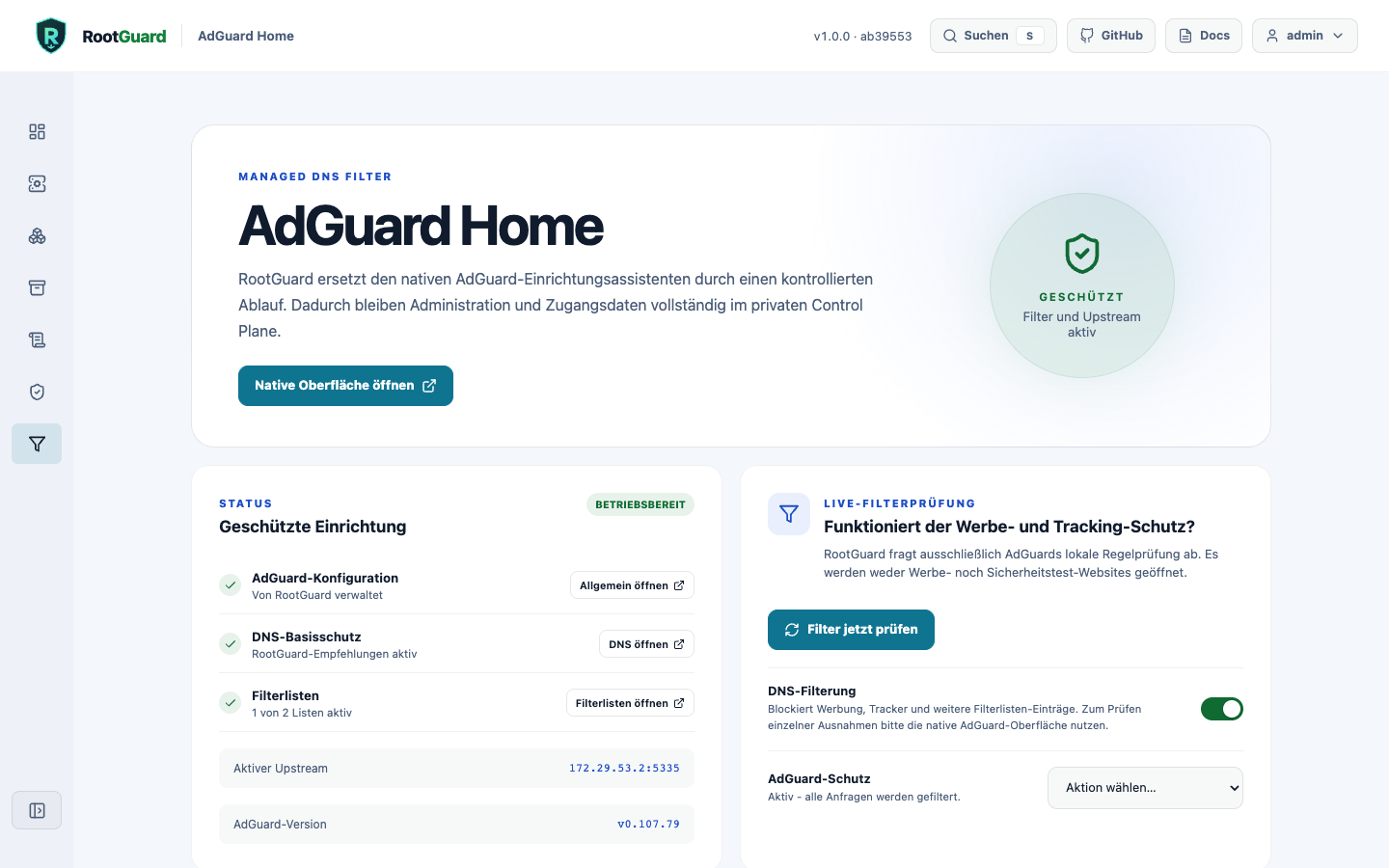
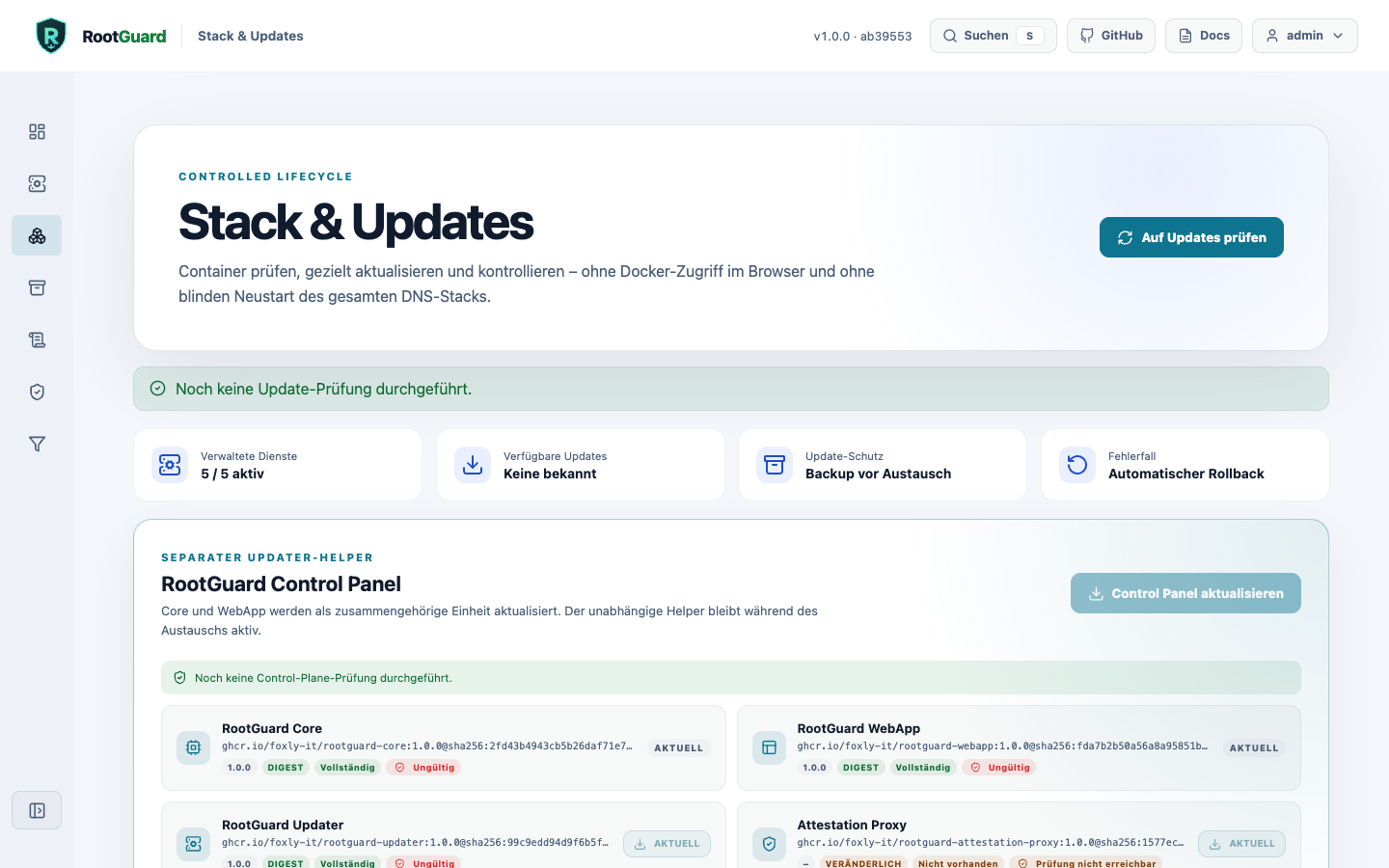
What RootGuard does for you
RootGuard combines proven open-source technology in one approachable interface. You stay in control without having to understand every technical detail.
Ads and known trackers are blocked centrally before they reach your devices.
DNS queries are handled by your own stack and checked for tampering with DNSSEC.
Dashboard, configuration, and updates run on your own Docker host.
Technology, architecture, and security model in the documentation →
Directly from the GitHub project
Version, pull requests, commits, and release information are updated automatically from the repository.
Loading project data …
Loading release information …
Everything else in the documentation
Installation, router setup, configuration, updates, security, and troubleshooting are covered in one clear documentation hub.